
See the rental software working before you buy
Pick a store for your kind of rental, book something, then open the admin and see how it runs. No sign-up and no card.
Using Magento 2? See its demos- 16industry stores
- 1 clickinto the admin
- Nightlyreset, so try anything
- 3 demosWooCommerce and Magento 2
Pick a store for your kind of rental
Each one is a real WooCommerce store running Rentals & Bookings, dressed as a different rental business.
 Kestrel Car & Moto HireCar & motorcycle rentalMulti location · 3 branches (opens in a new tab)
- Hearthside StaysVacation & property staysMap search (opens in a new tab)
- Harbor & Helm Boat RentalsBoats & watersports (opens in a new tab)
- Spoke & Summit Bike HireBikes & e-bikesMulti location · 3 shops (opens in a new tab)
- Canopy & Confetti Event RentalsParty & event rentals (opens in a new tab)
- Bounce Bay Party RentalsBounce houses & inflatables (opens in a new tab)
- Ironclad Equipment RentalHeavy equipment & toolsMulti location · 3 yards (opens in a new tab)
- HaulRight Dumpster RentalDumpsters & skips (opens in a new tab)
- Tow & Roam Trailer & Campervan HireTrailers, RVs & campervansMulti location · 3 depots (opens in a new tab)
- Sandpiper Cart & Beach Co.Golf carts & beach gear (opens in a new tab)
- Ridgeline OutfittersSki, snow & outdoor gear (opens in a new tab)
- Aperture & Amp AV & Tech RentalAV, camera & electronics (opens in a new tab)
- Little Nest Baby Gear RentalBaby equipment (opens in a new tab)
- CareWay Mobility RentalsMedical & mobility (opens in a new tab)
- Velvet Hanger Wardrobe RentalDresses, costumes & jewelry (opens in a new tab)
- Loot & Loop Rental ClubGames, toys & library of things (opens in a new tab)
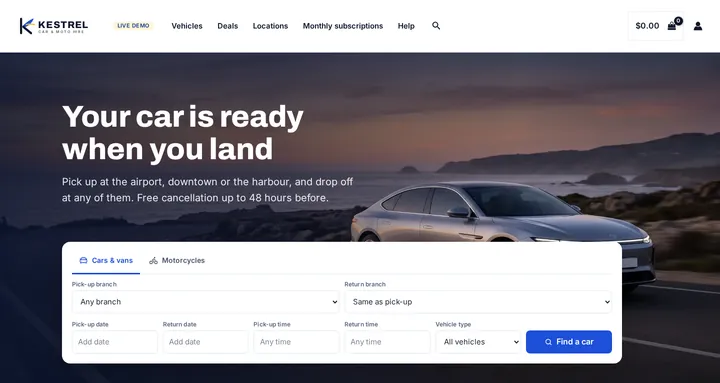
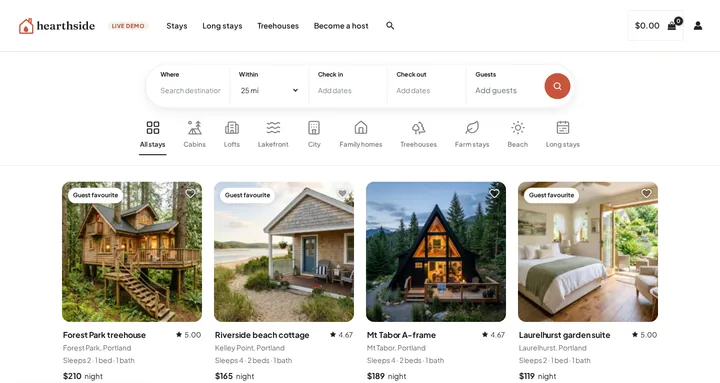
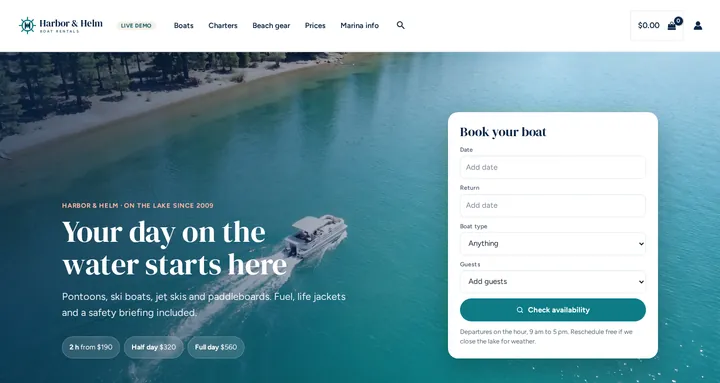
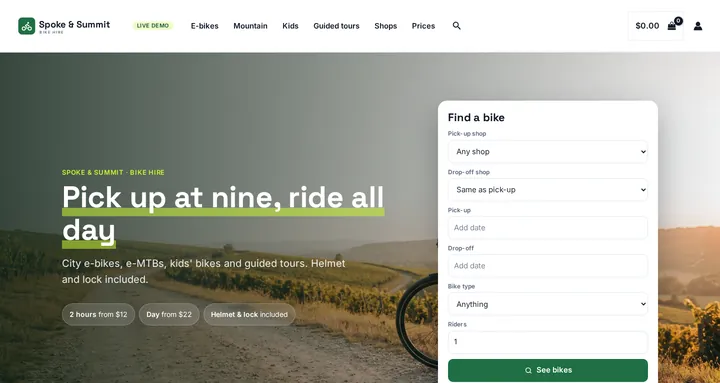
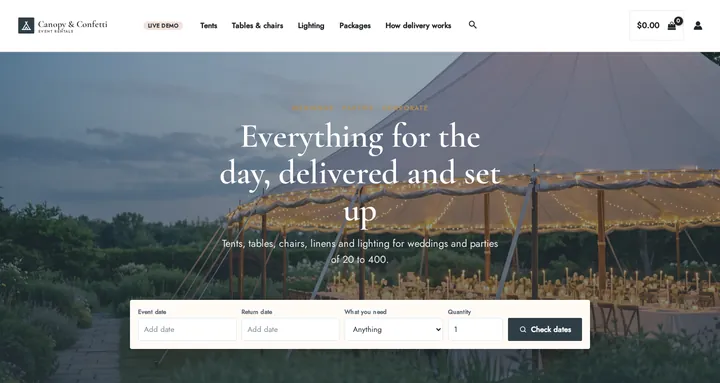
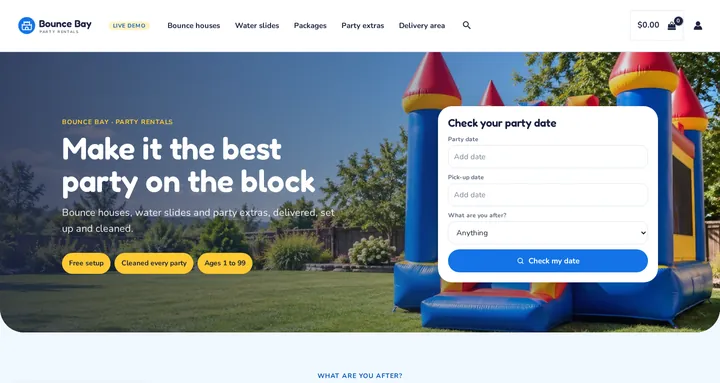
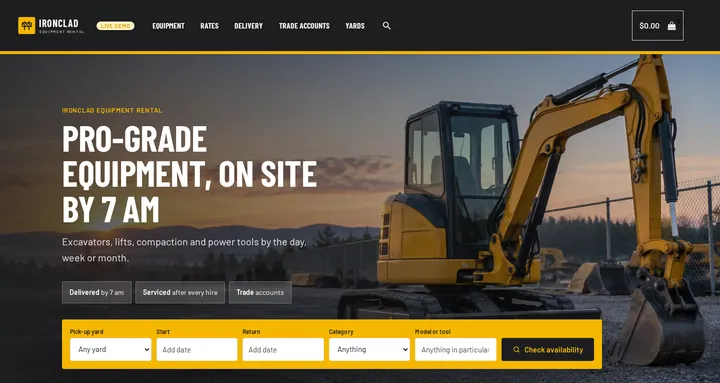
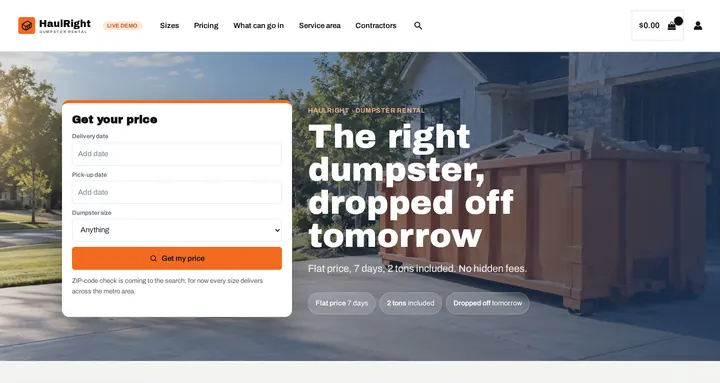
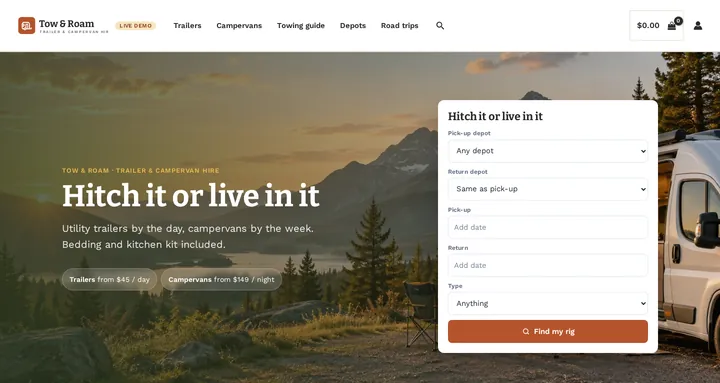
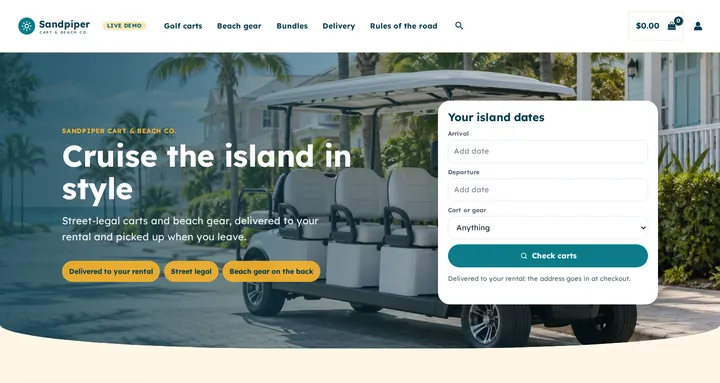
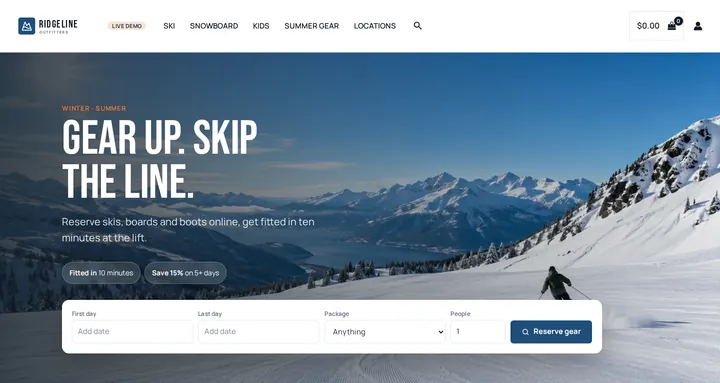
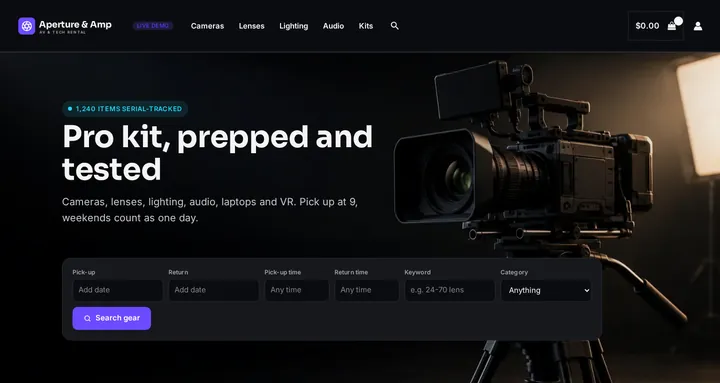
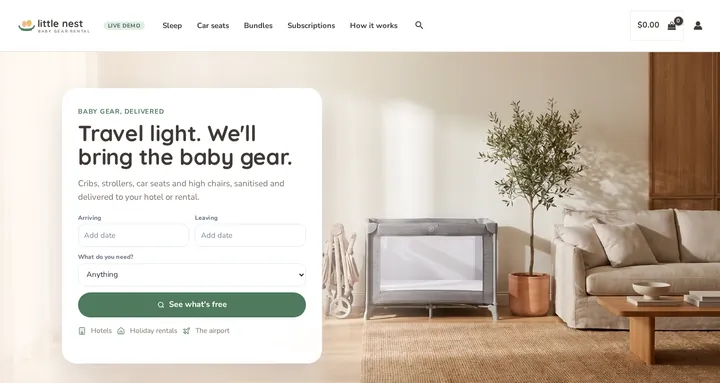
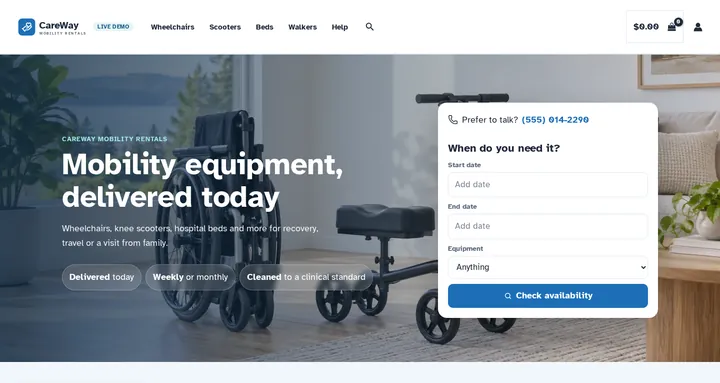
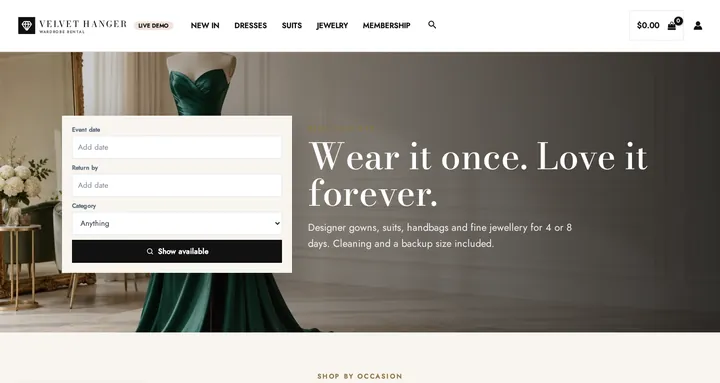
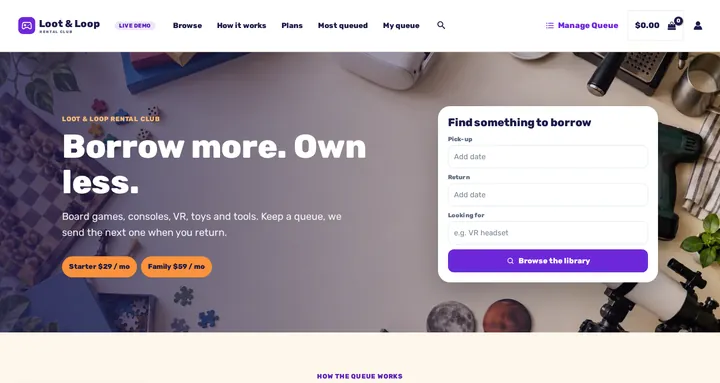
Every product type in one storeThe “All industries” store has one of each: hourly, daily, fixed periods, packages, subscriptions and rental queues.
Step 1: Pick a store
Any of the 16 above, or All industries for every product type.
Step 2: Choose dates
Open a product, pick dates and times, and add it to the cart to see prices, deposits and fees.
Step 3: Open the admin
One click signs you in. A demo guide on the dashboard shows where to look.
Step 4: Change anything
Edit products and settings freely. The demo resets every night at 03:33 UTC.
Run the rental desk, with no password

The demo login opens the Rentals dashboard: today’s pick-ups and returns, stock, bookings and every plugin’s settings. Screens a rental shop doesn’t need are hidden.
- Edit a product’s rental settings: prices by hour, day or week, buffers and stock
- See stock by location, and a one-way campervan hire from Denver to Salt Lake City
- Send and return today’s rentals, with serial numbers
- Import an industry kit, or restyle the date picker with a live preview
- Contracts, ID checks, damage waivers, subscriptions and rental queues
Try each way of renting
These open in the All industries store.
- Start & end dateLuxury Car RentalPick-up and return dates and times (opens in a new tab)
- Time of dayPrincess InflatableOne day, with a time slot (opens in a new tab)
- Fixed periodBeach ChairA start date plus a set length (opens in a new tab)
- VariableDressSize and colour options, each with its own stock (opens in a new tab)
- PackageBeach Gear Rental PackageA set the customer builds from parts (opens in a new tab)
- BundleSlide & Castle BundleTwo items booked together (opens in a new tab)
- SubscriptionLuxury CarBilled monthly. Also a dress, a projector and a paddleboard (opens in a new tab)
- Membership & rental queueRental Queue StarterOne item out at a time; the next one ships when it comes back (opens in a new tab)
To try the rental queue as a customer, sign in with the demo login (opens in a new tab), add a membership, queue up products, then manage them under My Account › Manage Queue (opens in a new tab).
On Magento 2? Try these two
Magento 2 Pro
On the Hyvä theme- demo@example.com
- Password
- Demo1234
Sign in to try the rental queue and see subscriptions, memberships and quotes. Customer login (opens in a new tab)
- Username
- demo
- Password
- demo123
The login page fills these in for you. Test orders send no email.
Magento 2 Multi Source Inventory
Two stores, plus Request for Quote, on the Luma theme- Username
- demo
- Password
- demo123
The login page fills these in for you. Quote requests are under Sales › Quote Requests. Test orders send no email.
In both Magento 2 demos the settings for payments, email and the web server are switched off; the rental settings are all open.
Before you try it
Is anything charged or shipped?
No. These are demo stores: no payment is taken and nothing is shipped. Test orders in the WooCommerce and Magento 2 Pro demos send no email.
What happens to the changes I make?
The WooCommerce demo resets every night at 03:33 UTC, and the Magento 2 demos shortly after 05:00 UTC, so edit and delete whatever you like.
Which stores show more than one location?
Car hire, bikes, equipment and trailers run the Multi Location Inventory plugin, with branches, shops, yards and depots. Cars, bikes and trailers can be returned to a different location as a one-way rental; each machine goes back to its own yard.
Can I use one of these designs for my own store?
Yes. Each store is one of our free rental themes, which you import into your own WooCommerce shop with Rentals & Bookings Regular or Pro.
Can I try it on my own site?
Yes, with the free Lite plugin for WooCommerce.
Seen enough to decide?
A one-time purchase, no booking commission, and the same plugins you just tried.