
When units on an order carry serial custom fields, the order screen shows what each of them did on that hire. Open the order in Sales > Orders: the Rental usage and photos section appears on its Information tab as soon as something has been recorded for one of its units.
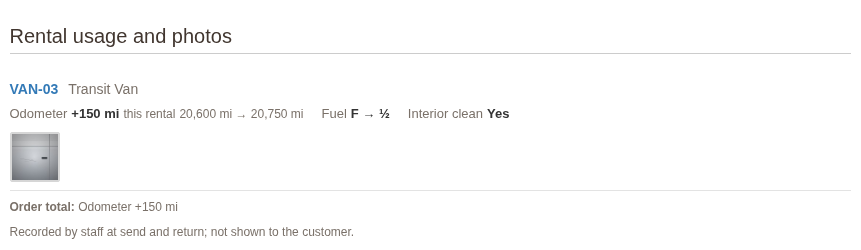
For each unit that went out on the order it shows:
- the unit’s code, linked to its serial page, and its product;
- each meter’s usage over the hire, with the readings at send and at return, such as +150 mi this rental, 20,600 mi → 20,750 mi;
- the other fields as they went out and came back, such as Fuel F → ½, or the answer at return, such as Interior clean Yes;
- the photos taken at send and return. Click one to see it full size.
Order total adds up each meter over all the units on the order.
While a unit is still out, its usage runs to the latest reading. If no reading was taken when it went out, the usage is estimated from the reading before.
Who sees it #
The section is for staff only. It needs the Serial page: record, correct, void readings permission, and the photos also need Serial photos: view and upload. It never appears in the customer’s account, on invoices or in emails.
To see a unit’s full story, click its code: its serial page lists every hire, every reading and every photo.


