
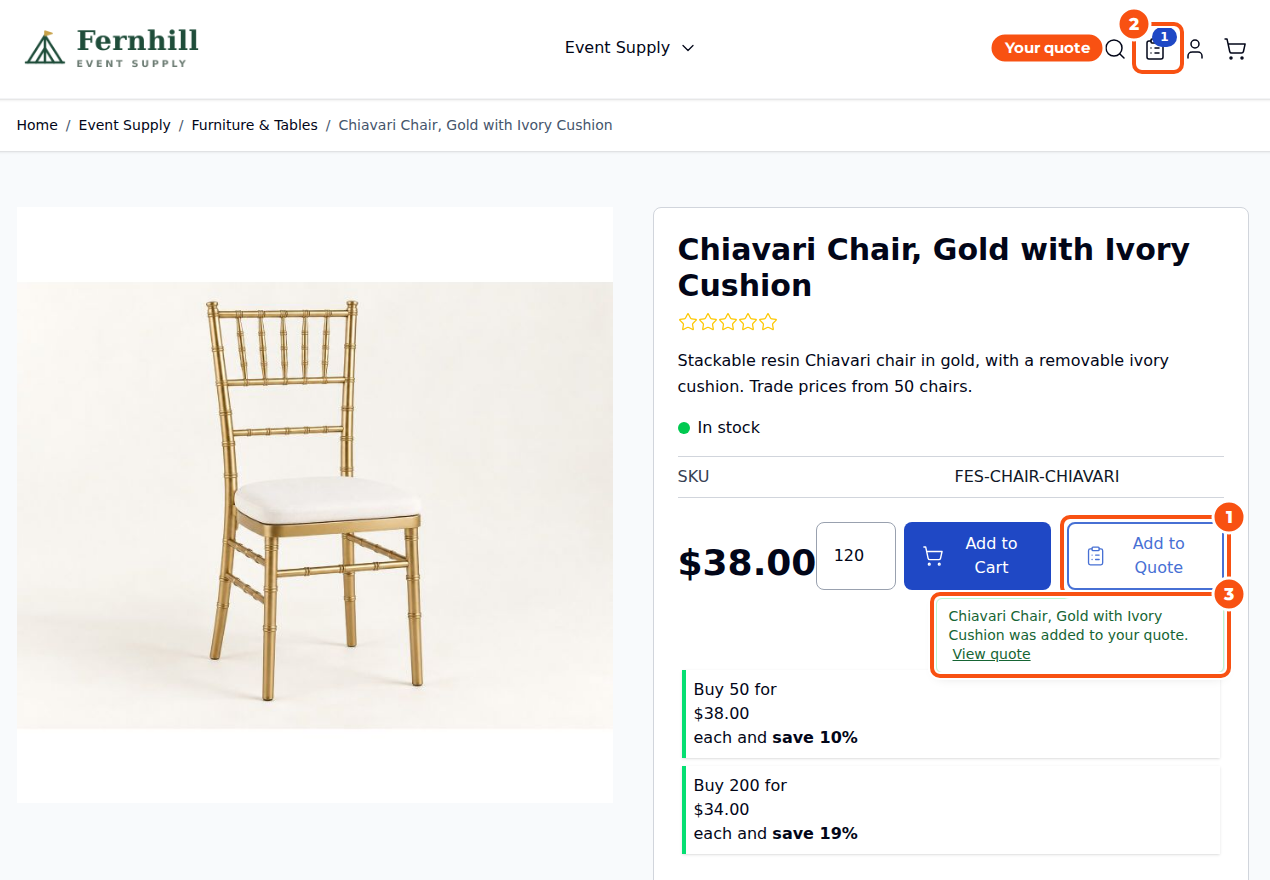
Request for Quote & Hide Price lets customers ask for a price instead of buying at once. They add products to a quote from your catalogue, say what they would like to pay and send you the request. You answer from the Magento admin with an offer: your prices, a discount, shipping and an expiry date. The customer accepts it and checks out through your normal checkout at the agreed price. You can also hide prices by customer group or category, and sell some products by quote only.
It works on any Magento 2 store, with or without our rental extension. On a rental store, quote lines carry rental dates and stock can be held while the customer decides.
What you need #
| Item | Requirement |
|---|---|
| Magento | Magento Open Source or Adobe Commerce 2.4.7 to 2.4.9 |
| PHP | 8.2 to 8.4 |
| Storefront | Luma, or Hyvä with the Hyvä package |
| Rental stores | Sales Igniter Rental 1.2.209 or later, with the rental connector package |
| Licence | Its own Request for Quote licence. Magento Pro and Multi Source Inventory Pro licences do not include it. |
The three packages #
| Package | Install it when |
|---|---|
salesigniter/releaserfq2 | always: this is the extension |
salesigniter/releaserfqrental2 | your store also runs Sales Igniter Rental (the rental connector) |
salesigniter/hyvarfq | your storefront uses the Hyvä theme |
The step-by-step install, with your licence key already filled in, is on Install Request for Quote & Hide Price. Log in first so the page can show your key. Request for Quote has its own Composer repository, which that page shows.
After installing, enter the licence key under Stores > Configuration > Sales Igniter > Request for Quote > License.
Your first quote in six steps #
- Open Stores > Configuration > Sales Igniter > Request for Quote and check that Enable Request for Quote and Show on the storefront are on. See Quote Buttons and the Quote Cart.
- Choose where Add to Quote appears: product pages, category and search pages, product widgets, the wishlist, and Move to Quote in the shopping cart.
- If some prices should stay private, set up the store rule or a product’s own settings. See Hiding Prices and Quote-Only Products.
- As a customer, add two products to a quote, type a price you would like to pay and send the request. See The Request Form and Guest Quotes.
- In Sales > Quote Requests, open the request, click Edit, set your prices and click Approve and Send. See Managing Quotes in the Admin.
- Open the “Quote ready” email, click Accept and check out and place the order. See My Quotes and Checking Out.
What happens to a request #
| Status | What it means |
|---|---|
| Pending | The customer sent the request. It waits for you. |
| Approved | You sent an offer. The customer can check out, ask for changes or cancel. |
| Changes requested | The customer wrote back about the offer. You edit it and send it again. |
| Complete | The customer placed the order, or you converted the quote to an order. |
| Expired | The offer passed its expiry date. You can extend it. |
| Canceled | The customer canceled, or you declined or closed the request. |
Where things are in the admin #
| Menu | What it’s for |
|---|---|
| Sales > Quote Requests | Every request and quote, with filters, mass actions and New Quote |
| Sales > Quote Request Fields | Your own questions on the request form |
| Reports > Sales > Quote Requests | Requests, value asked for, approved, ordered, win rate and first response time, by status and by sales rep |
| Stores > Configuration > Sales Igniter > Request for Quote | All settings, most of them per store view |
| Catalog > Products > Request for Quote tab | A product’s own quote, price and Add to Cart settings |
Staff permissions are under System > Permissions > User Roles: view; create and edit; approve, send, decline and extend; convert and send the checkout link; notes and attachments; see quotes owned by other staff; custom fields; the report; and on rental stores holding and releasing stock. Roles that could use Sales before the upgrade get the new permissions automatically.
Switching it off or removing it #
- Switch it off, keep the data: run
bin/magento module:disableforHyva_SalesIgniterRfq,SalesIgniter_RfqRentalandSalesIgniter_Rfq, thencache:flush. Do not runsetup:upgradewhile they are disabled but still installed: on Magento 2.4.9 it drops the tables of a disabled module. Enable them again before the nextsetup:upgrade, or uninstall. - Remove it and its data:
bin/magento module:uninstall --remove-data Hyva_SalesIgniterRfq SalesIgniter_RfqRental SalesIgniter_Rfq. The rental connector first releases every stock hold it made. Orders placed from quotes are not changed.
Good to know #
- The storefront, emails and PDF are in English for now.
- The API is GraphQL only. See Rentals, the GraphQL API and Moving from Amasty.
- What changed in each version: Request for Quote & Hide Price Release Notes.


