Table of Contents
Available from Magento Rental 1.2.219.
Staff run the day from Rentals > Staff > Departures. It shows once a product has departures. Access is controlled by the permission Departures (SalesIgniter_Rental::departures).
The Departures page #
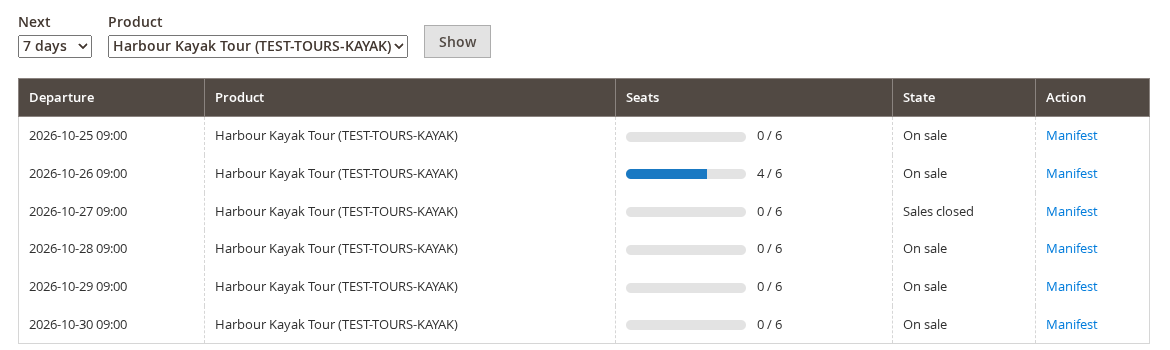
- The coming 7, 14, 30 or 60 days of every tour, or of one tour.
- For each departure: the seats sold of the seats there are, the state, and a Manifest link.
One departure #
Open a departure to change it:
| Setting | What it does |
|---|---|
| — | — |
| Online sales | Open or closed. Closed stops online booking. Staff can still book. |
| Capacity | The most seats for this departure. |
| Cut-off | When online booking stops, for this departure only. |
| Notes | One note for staff and one that prints on the tickets. |
| Change time | Moves every booking on the departure to the new time, with a note on each order. |
| Cancel departure | Asks for a reason, releases the stock, and puts a “Refund the customer with a credit memo” note on each order. The screen lists the orders to refund. |
Cancelling does not refund by itself. Create the credit memos from the orders. Guests are not emailed yet: the orders only get a note, so contact them yourself.
Cancel all departures on a day cancels every tour’s departures for that day in one go, the same way. Use it for a storm or a closed road.
The manifest #
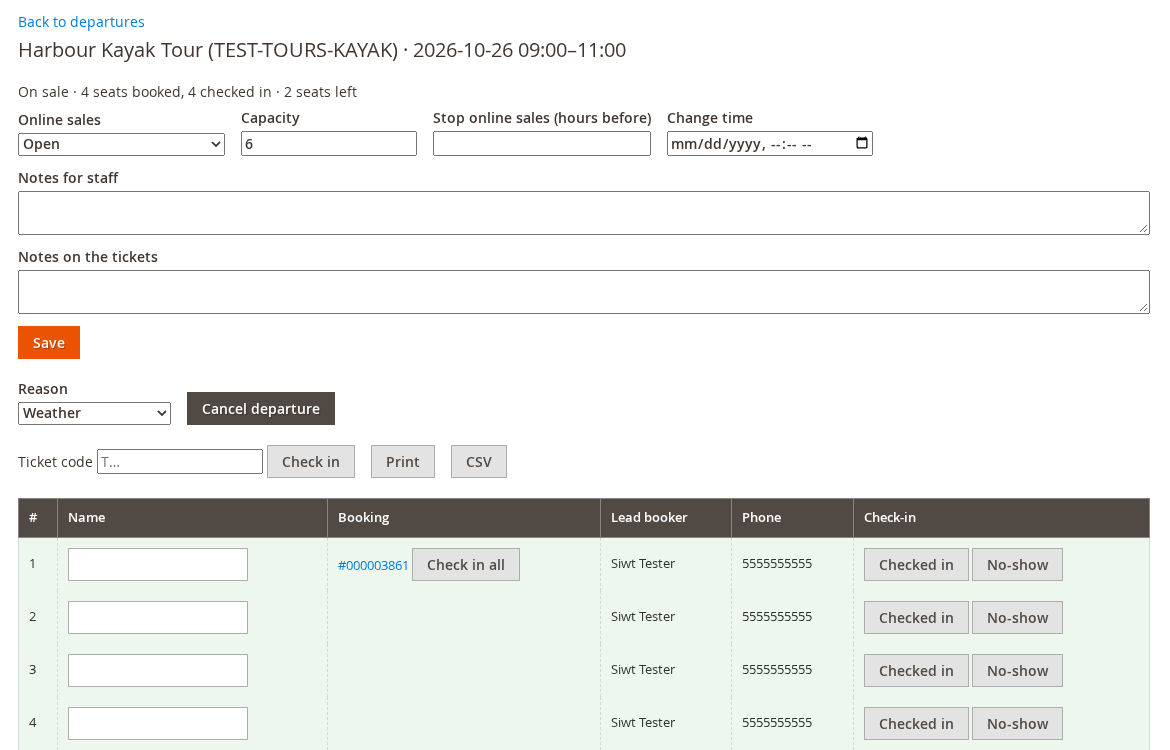
The manifest lists one row per seat:
- Seat number, guest name, booking, lead booker and phone.
- Check in or No-show for each seat, and Check in all for a whole booking.
- A ticket code box. Scan a ticket with a scanner that types, or type the code. It answers “Already checked in” or “Wrong departure (booked for …)” when the ticket does not fit.
- Print and CSV.
If you ask for pickup points or guest names, they show here too. See Guest names, pickup points and itinerary.