
Rentals & Bookings speaks 19 languages. Your staff see the app in their own Shopify admin language, and customers see the calendar, the cart details and their emails in the language they shop in.
The languages #
Arabic (right to left), Chinese (Simplified), Dutch, English, French, French (Switzerland), German, German (Switzerland), Hindi, Italian, Italian (Switzerland), Japanese, Korean, Polish, Portuguese (Brazil), Portuguese (Portugal), Romanian, Russian, Spanish and Turkish.
What follows which language #
| Where | Language |
|---|---|
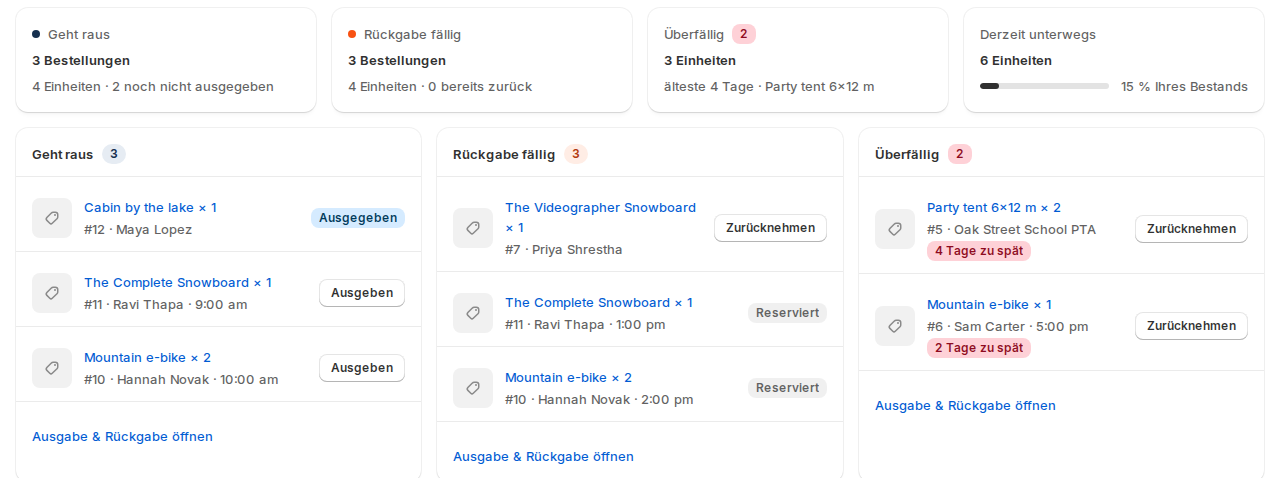
| The app’s pages (dashboard, bookings, settings) | The staff member’s Shopify admin language. Change it in your Shopify account settings and the app follows on the next page. |
| The cards on product, order and customer pages | The staff member’s admin language. |
| Shopify POS | The language of the POS app. |
| The calendar on your store | The language the customer shops in. |
| Customer accounts and the thank-you page | The customer’s language, or your store’s language. |
| Reminder and rental emails | The customer’s language, unless you changed the wording (below). |
A regional version falls back to its language: Austrian German uses German, Canadian French uses French. A language that isn’t on the list gets English.
Arabic pages are laid out right to left.
Your own wording #
Everything you type yourself stays exactly as you typed it: product names, calendar labels such as “Delivery date”, closed-day reasons, pick-up instructions and delivery names.
Reminder emails: under Settings › Notifications › Email wording, a box you leave as it is keeps the standard wording, which goes out in each customer’s language. Once you change it, your text goes to every customer unless you add a version for their language. See Reminders and emails.
The storefront calendar’s labels can be changed per store under Settings › Calendar & styler. See The rental calendar on your store.
Good to know #
- The Rental Contracts, Security Deposits and Custom Fields apps use the same languages for what customers see and for their cards in your admin.
- Shopify Flow shows the app’s triggers and actions in English.
- Dates follow Settings › General › Date format, and the week starts on the day you choose there.


