Table of Contents
A trek, a safari or a sailing trip of several days can show its plan day by day.
Add the days #
- Edit the tour product. Below the date rows, find Itinerary.
- Click Add a day and fill in:
- Day: 1, 2, 3 …;
- Title: “Into the valley”;
- What happens: the day’s plan;
- Overnight: where guests sleep (“Mountain hut”).
- Add each day, then click Update.
Where it shows #
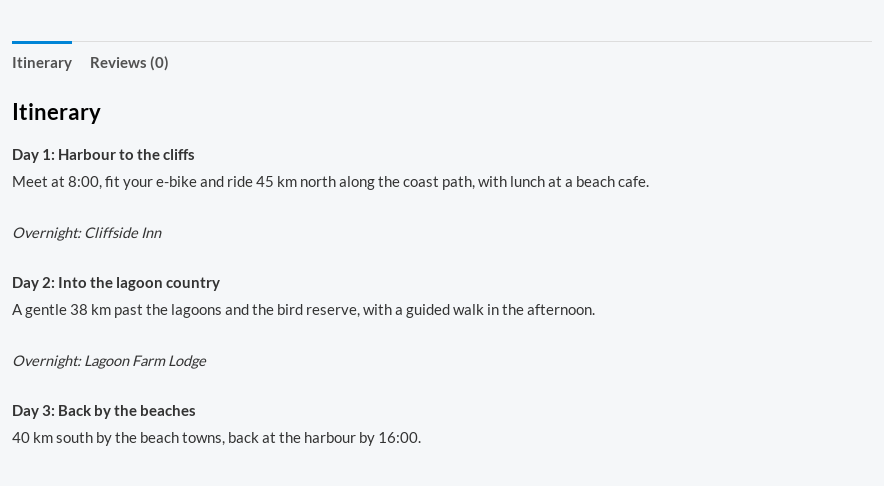
- The product page gets an Itinerary tab with each day (“Day 2: Into the valley”) and where guests stay overnight.
- The departure’s page on Rentals › Departures shows the itinerary under the manifest, so staff have it at hand.