
This page says what the importer moves over from Kestrel Rental Products (formerly Rental Products for WooCommerce) and what you set up by hand. How to run a dry run, an import and a rollback is in Import from another plugin.
The importer reads Kestrel’s rental settings and the rental dates on your orders straight from the database, so Kestrel Rental Products may be active or deactivated. It was tested with Kestrel Rental Products 7.1.
What moves over #
Kestrel’s rental products are simple or variable WooCommerce products, and they stay that way: the rental is switched on with the settings below. The WooCommerce price stays as it is.
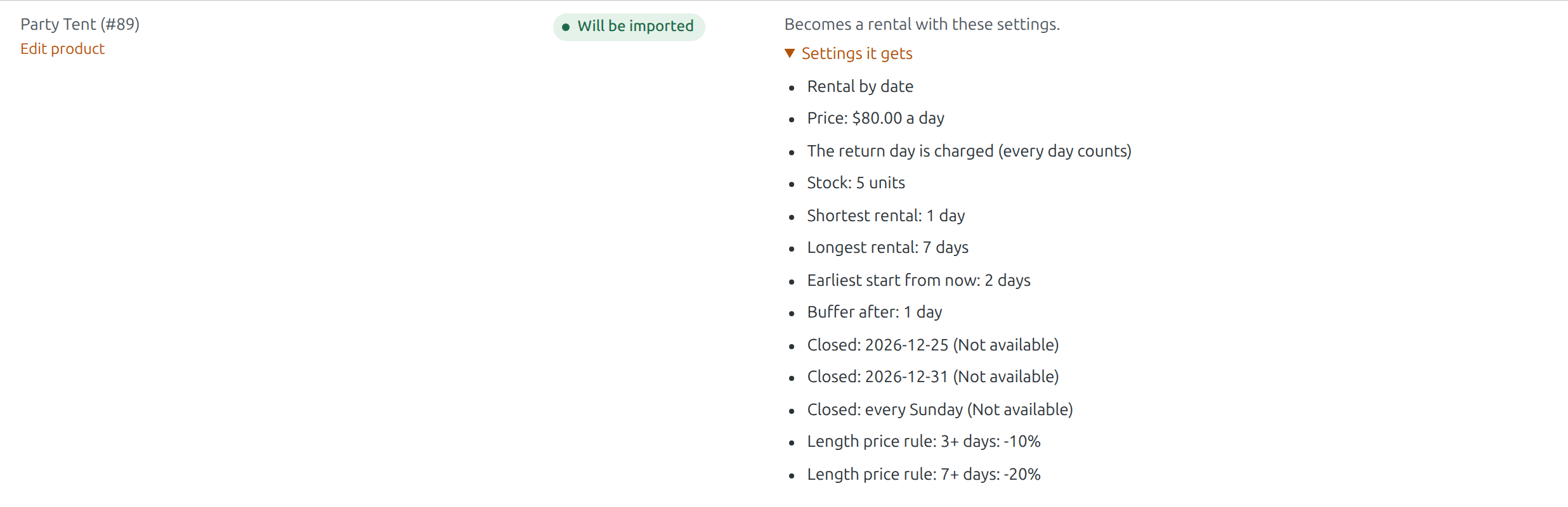
| In Kestrel Rental Products | In Rentals & Bookings |
|---|---|
| Rental only | Rental |
| Rental or purchase | Rental, and it can still be bought |
| Rental price | Price per day |
| Rental stock (empty means unlimited) | Stock |
| Rental by days | Rental by date |
| Days counted inclusively (the 1st to the 3rd is 3 days) | The return day is charged (every day counts) |
| Pricing type: period, with a Pricing period (days) | Price per day (the period price divided by its days), shortest rental of that length |
| Pricing type: fixed | Fixed price |
| Minimum and maximum days | Shortest and longest rental |
| Start days threshold | Earliest start from now |
| Return days threshold | Buffer after |
| Disable rental dates, and disabled weekdays | Closed days on the product |
| Disable rental dates in Kestrel’s settings (for every rental) | Closed days under Rentals › Settings (when “Also import its store-wide closed days” is ticked) |
| Security deposit | Security Deposits on the product, when Security Deposits is active (Pro) |
Bookings #
The rental dates on your order lines (“Rent from” and “Rent to”) become bookings. Lines marked as returned are imported as returned; cancelled lines are skipped. Past rentals stay plain orders.
Needs Pro: security deposits #
A security deposit is imported only when the Security Deposits plugin is active (it comes with Pro and Ultimate). Without it the deposit is listed on the Needs Pro / Ultimate tab and the rest of the product is imported.
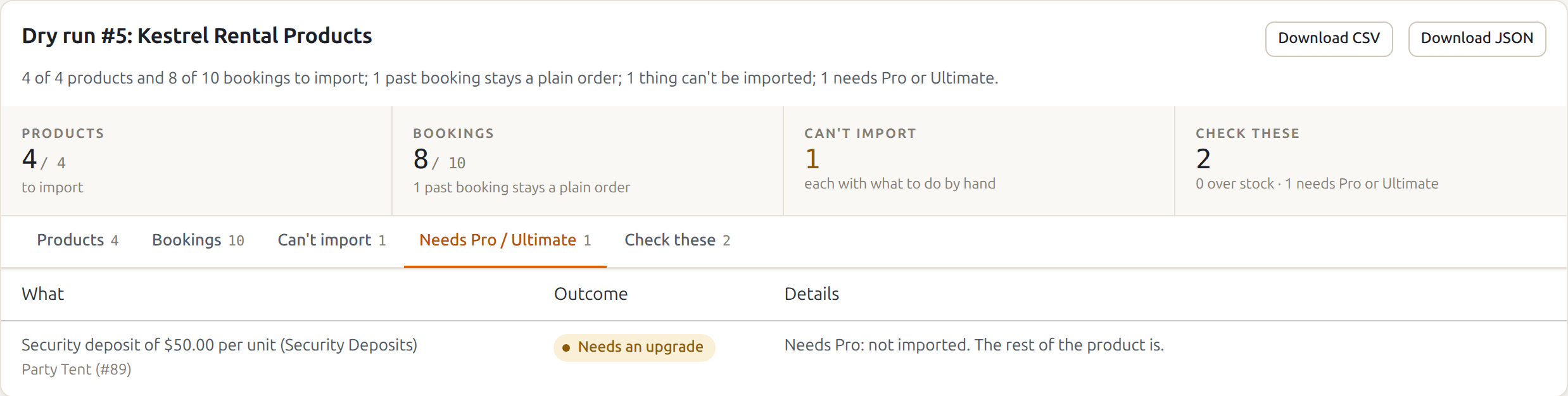
A non-refundable deposit in Kestrel becomes a normal deposit with us, refunded when the rental comes back; the report says so.
What you set up by hand #
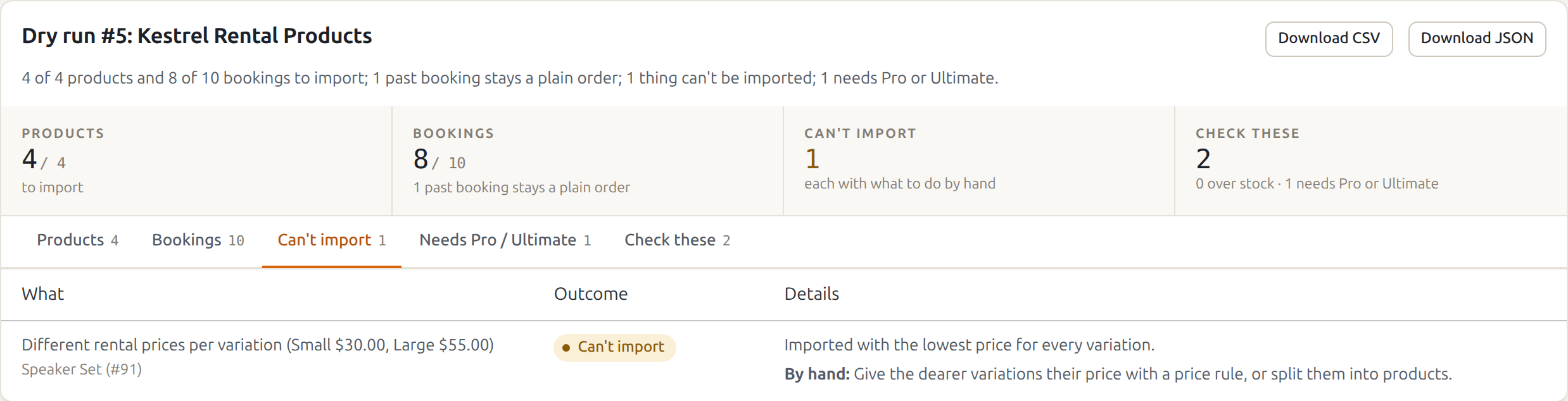
These show on the Can’t import tab of the report, each with what to do. The rest of the product is still imported.
- Different rental prices per variation (for example Small $30, Large $55): imported with the lowest price for every variation. Give the dearer variations their price with a price rule, or split them into products.
- Rental bundles: imported as one rental product. Rebuild them with Bundles & Composites, or list their parts.
- Rentals by time slots: imported as hourly rentals at the same price per rental. Set the hourly price, and your opening hours under Rentals › Settings.
- Pricing period additional selections (rental periods to choose from): imported as a price per day. Use fixed rental periods on the product to offer set lengths.
- Extra days at a percentage of the first day: imported as the full price for every day. Add a length price rule (from 2 days) with the lower daily price.
- Total overrides: add length price rules for those lengths.
- No start or end on some days: add closed days for start or end on the product.
- In-person pick-up and return times and fees: set pick-up under Rentals › Settings › Delivery & pickup.
- Rental information text: it stays in Kestrel’s field; copy it into the product description if you want it shown.
While Kestrel Rental Products stays active #
Kestrel would show its own rental form next to ours on an imported product. So while Kestrel is active, Rentals & Bookings tells it that the imported products aren’t Kestrel rentals any more: customers see only the Rentals & Bookings calendar. Kestrel’s own settings on the product aren’t changed, and rolling the import back gives the product back to Kestrel.
When you are happy with the import, deactivate Kestrel Rental Products.


